What does Camello send from my site, and what does it never touch?
The Camello plugin sends four things and nothing else: the pairing exchange when you enter the code; the read-back value of each field Camello wrote, to confirm a change is live; a daily heartbeat with the plugin version, your WordPress version, the active SEO plugin and the cache plugins detected; and visitor beacons only in the consent mode you chose. Nothing is sent before the pairing code is entered.
What Camello reads from outside. Your public pages, the way a visitor's browser would, without logging in. Google results for your tracked searches. Your Search Console data, read-only, if you connected it. The AI answer engines' answers to your three questions.
What it never touches. Your users, customers, orders, passwords and private pages. Your theme and plugin files. The body text of your posts, except the FAQ block you approved. Any page you did not apply a change to. It never sends email to your customers or anyone else on your behalf.
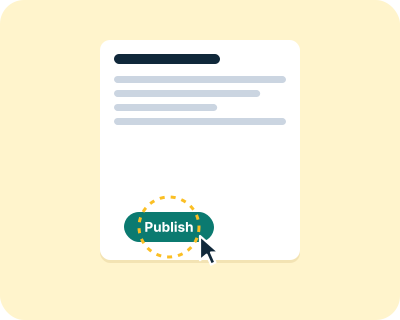
What it writes, and only on your click. Page titles and descriptions, headings, an FAQ block at the end of a post, structured data, image descriptions, an internal link, and add-only lines in llms.txt and robots.txt. Each one keeps its old value for Undo.
Consent modes. The plugin's visitor tracking is set from your market (essential for EU or UK sites, full elsewhere) and you can change it on the plugin's settings page. In essential mode no visitor beacon is sent.
Your data at Camello. Your account holds your email, name and password hash; your site's measurements, changes, results and drafts; and your plan and billing status. Card details never reach Camello; they stay with Stripe. You can export all of it as one file and delete all of it from the account page.